
Forgot Password
The Forgot Password feature in eSchool SIAKAD Plus allows users who have forgotten their passwords to perform account resets independently. This process is fast, secure, and only requires a school code and an active registered email.
🧾 When to Use This Feature?
- When a user cannot log in because they have forgotten their password.
- When wanting to reset the password for security reasons.
🛠️ Password Reset Guide
-
Open the eSchool Website
Open the eSchool website by accessing the link https://eschool.ac.id/
Click the "Login" button at the top.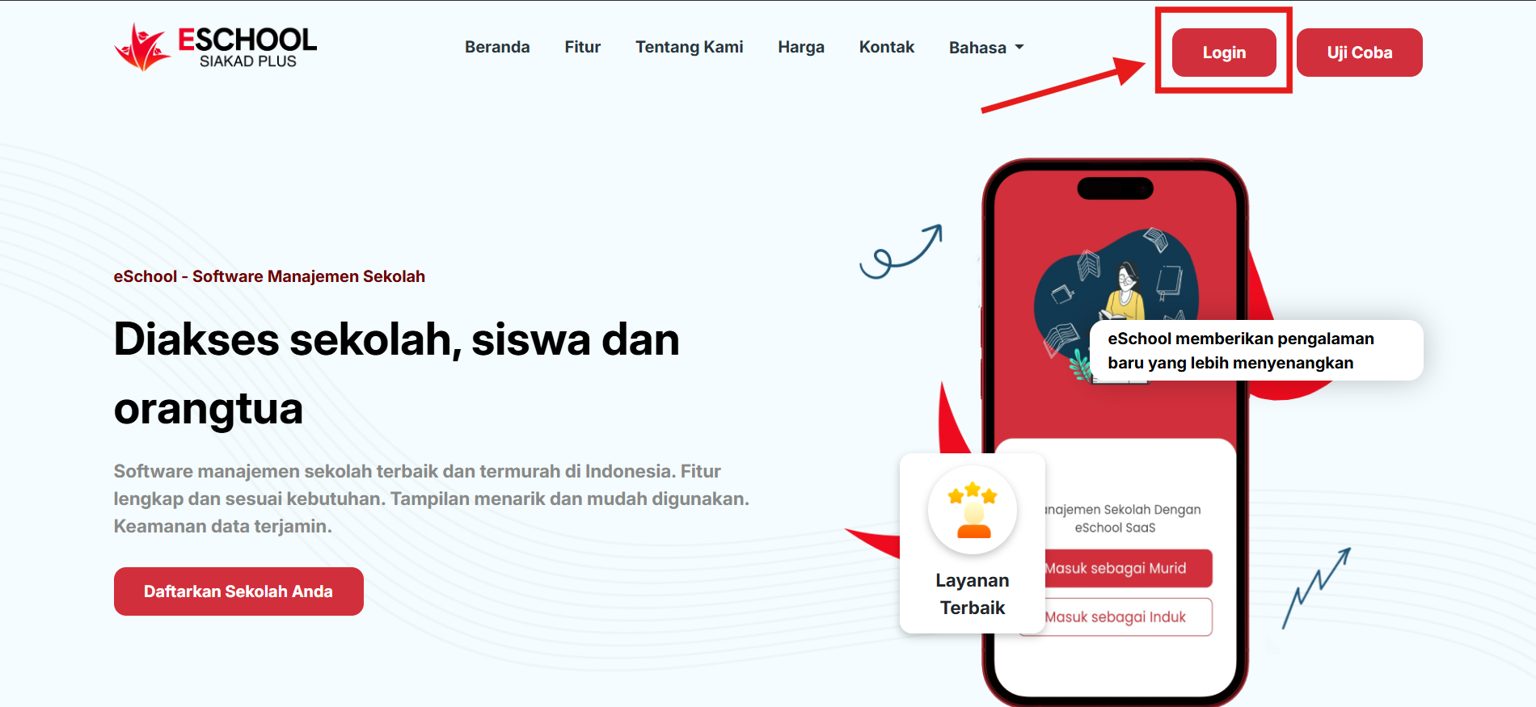
-
Access the Login Page
Click the "Forgot Password?" button below the login fields.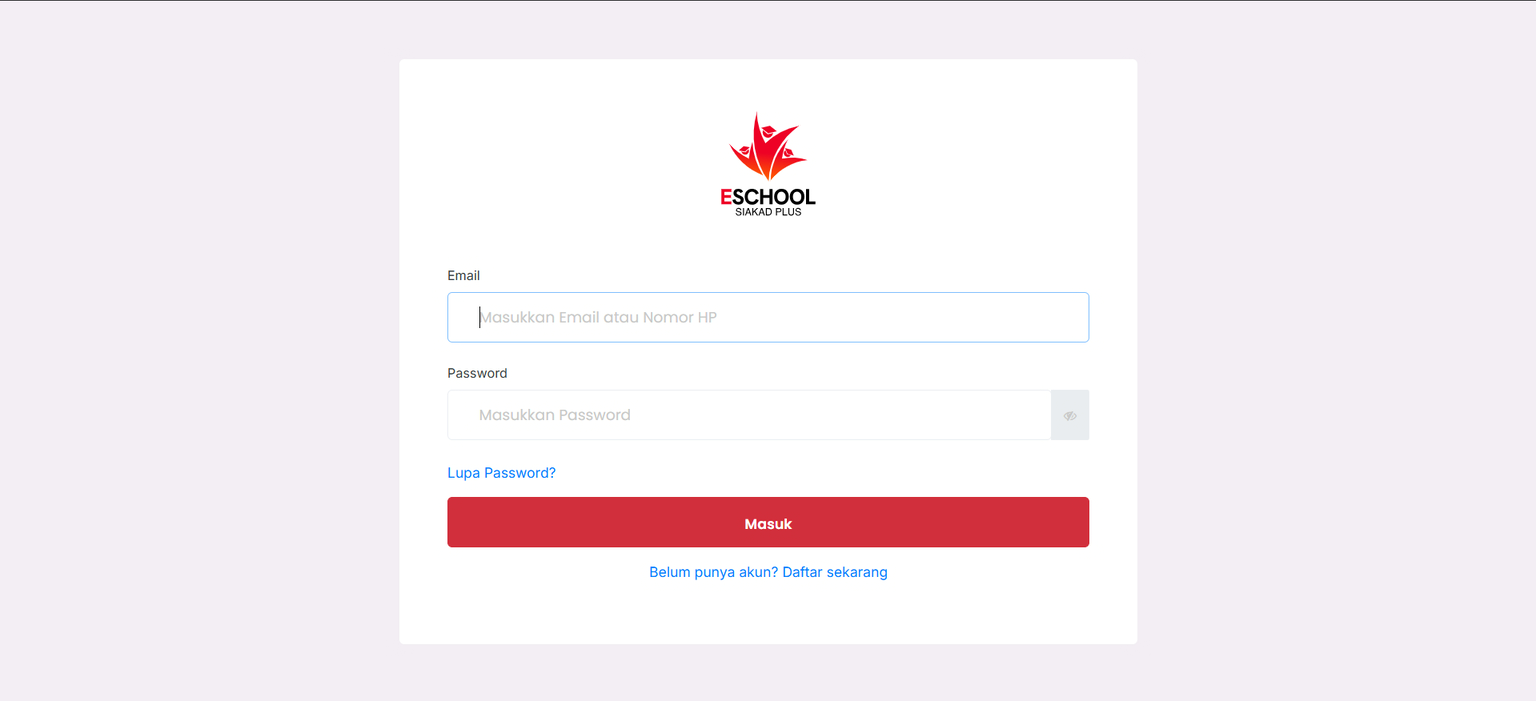
-
Enter Reset Information
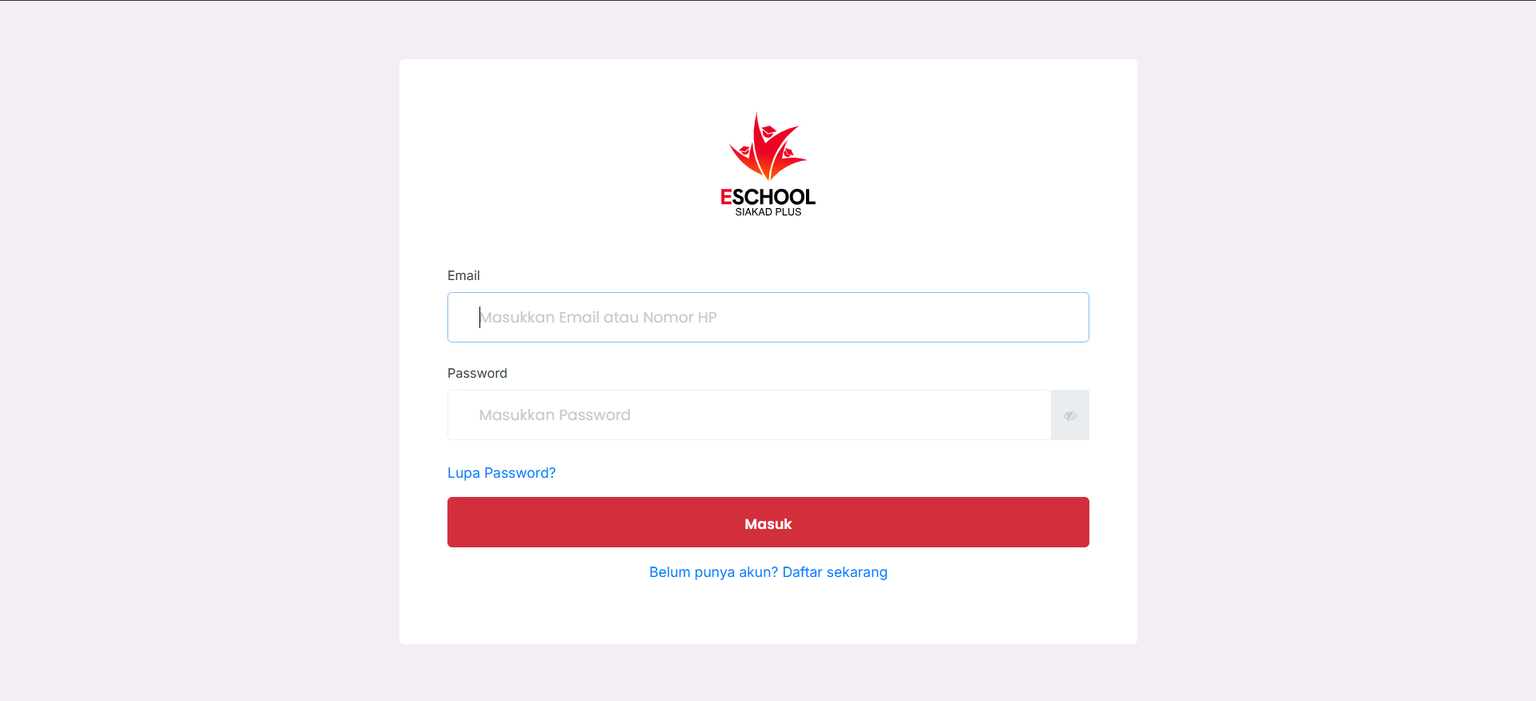
Fill out the form with the following data:- School Code: Enter the school code, e.g.,
SCH20247 - Email: Use the active email address that has been registered in the system.
- School Code: Enter the school code, e.g.,
- Send Reset Link
Click the Send Password Reset Link button.
The system will send a link to change the password via the entered email.
- Check Your Email
Open your email and click the provided link to set a new password.
💡 Additional Tips
- Ensure the email used matches the one registered in the system.
- Do not share the password reset link with anyone else to maintain account security.
- If you do not receive the reset email, check your spam/junk folder.
- If it still doesn't work, contact the school administrator or the eSchool Help Team.
If you require further assistance, contact us through the eSchool Help page.