
Login
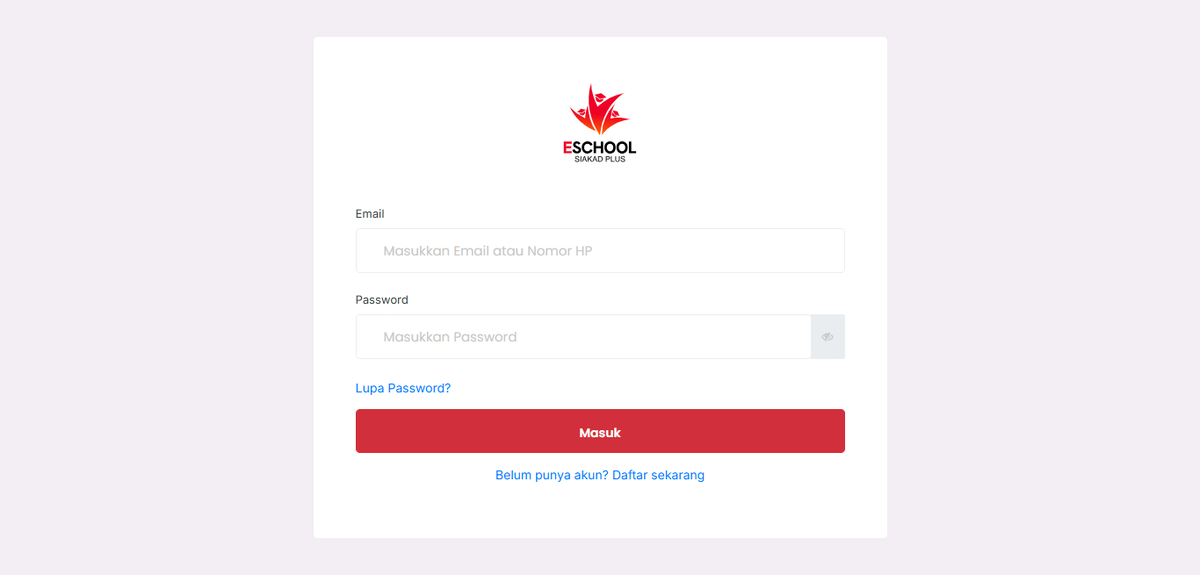
Visit the eSchool website and log in using your account. Make sure you already have a registered account from the school or admin.
Select the [Login] menu, then enter your username and password according to your account information. If this is your first time logging in, you may be asked to change your password or verify your data.
For mobile users, download the eSchool Mobile application through the Google Play Store or Apple App Store according to your device, then log in using the same account.
If you experience problems in the login process or cannot access your account, please contact our support team through eSchool Support or contact your school admin. If you forgot your password, use the Forgot Password feature on the login page to reset your password. Make sure to follow the instructions provided via email or SMS registered to your account.